


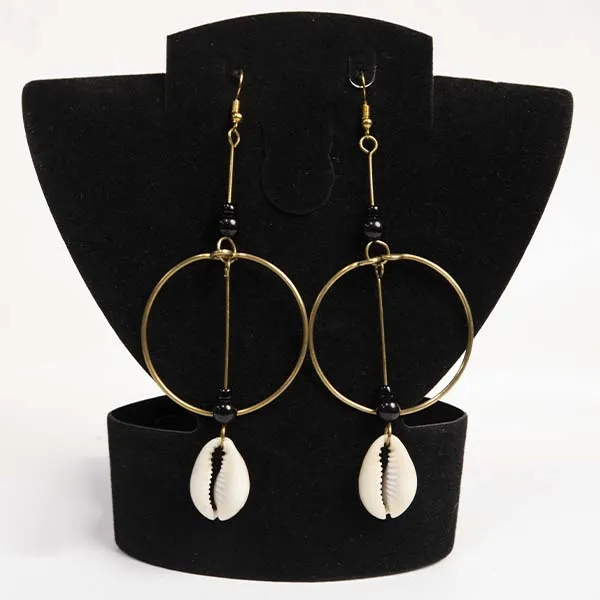
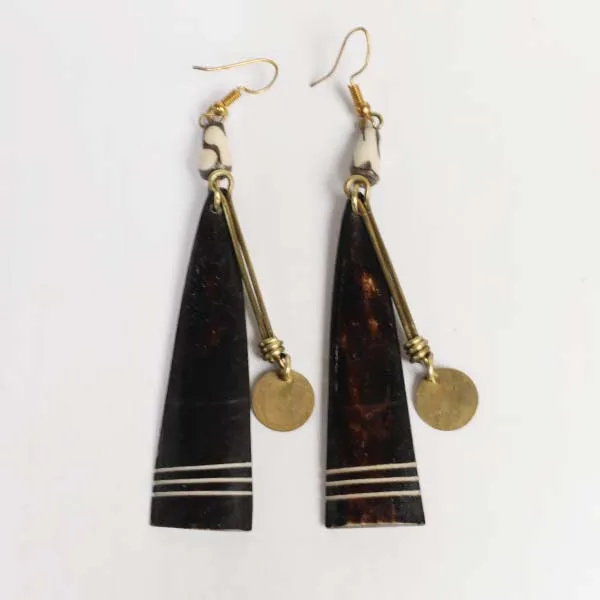
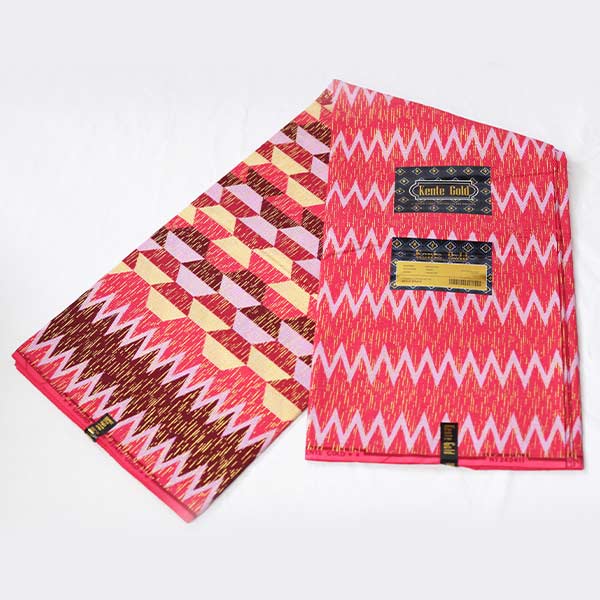



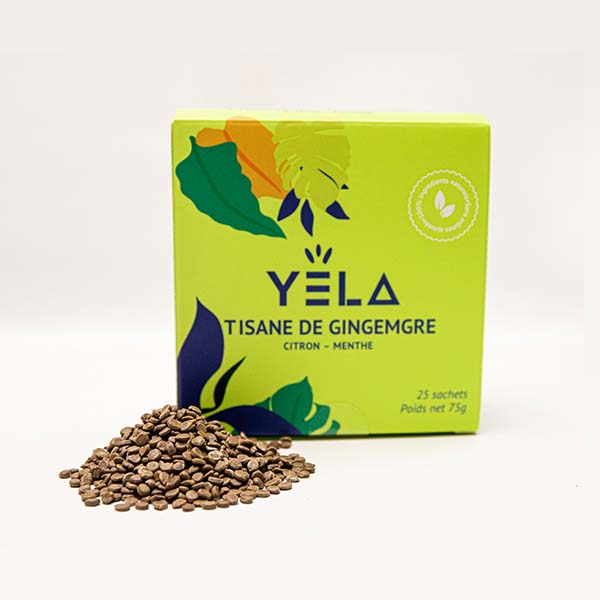




Finding the perfect product on Baobabmart is easy and efficient with our search tools. This guides you through on how to search for items on Baobabmart effectively, ensuring that you quickly and easily find the product(s) you are looking for.
Using the Search Bar
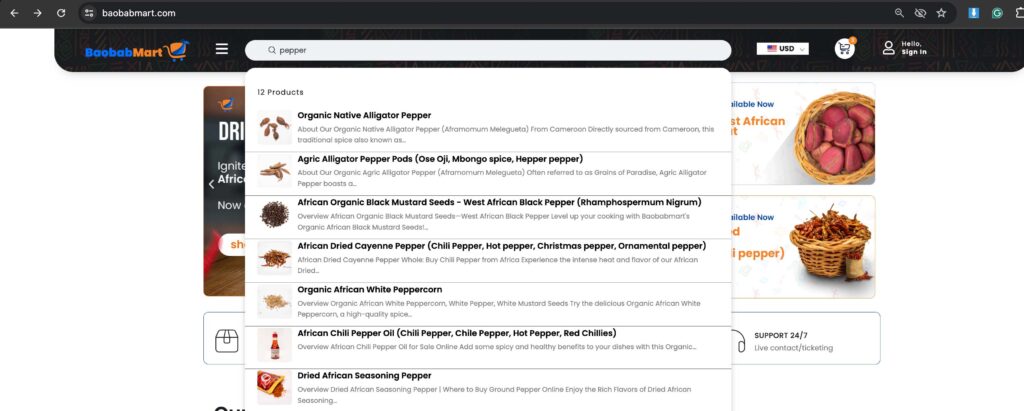
The search bar is the most direct way to find products on Baobabmart. Here’s how to use it:
1. Locate the Search Bar
- The search bar is typically found at the top of the Baobabmart homepage.

2. Enter Your Keywords
- Type in the keywords related to the item you’re looking for, such as “pepper” or “organic shea butter”.
3. Press Enter or Click the Search Icon
- After entering your keywords, press the Enter key or click the magnifying glass icon to start your search.
4. Browse the Results
- A list of products related to your search will appear. Browse through the results to find the item you want.
Using Advanced Search Filters
To narrow down your search results, use the advanced search filters. Here’s how:
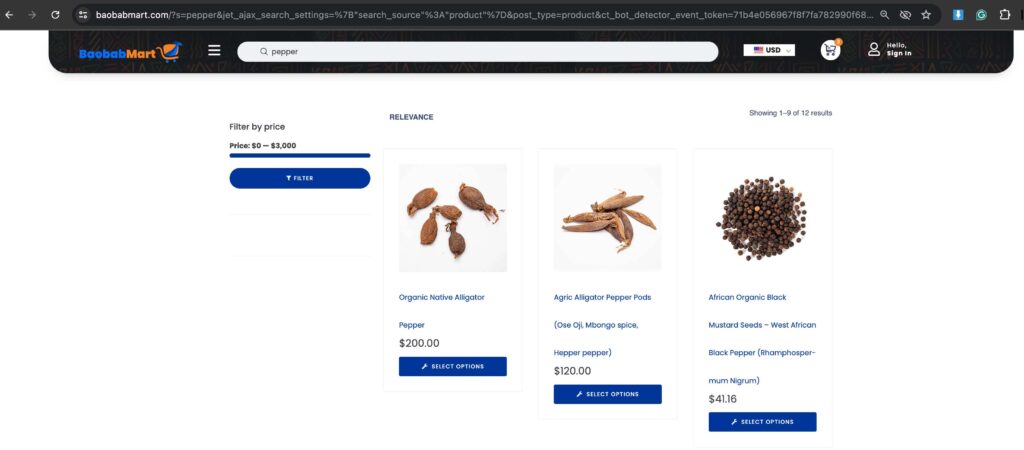
1. Access Filters
- After performing a search, you’ll see filter options on the left side of the results page.
2. Filter by Category
- Select a category to narrow your results to specific types of products, such as “Clothing” or “Beauty”.
3. Filter by Price Range
- Adjust the price range slider to find items within your budget.
4. Filter by Brand or Rating
- Choose specific brands or filter by customer ratings to find top-reviewed items.
5. Apply Filters
- Click “Apply” to refine your search results based on the selected filters.
Using the Product Categories
Exploring product categories is another effective way to find items. Here’s how:
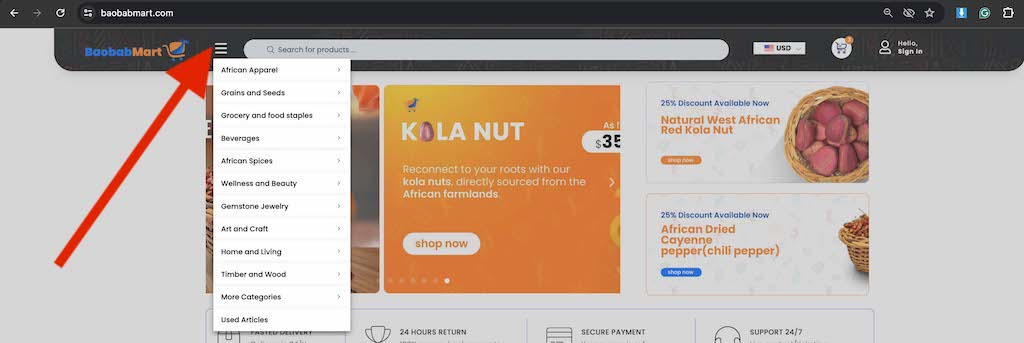
1. Navigate to Categories
- On the homepage, find the “Categories” menu, usually located in the main navigation bar represented by a 3 bar icon.
2. Select a Category
- Click on a category that interests you, such as “African Spices” or “Art and Craft”.
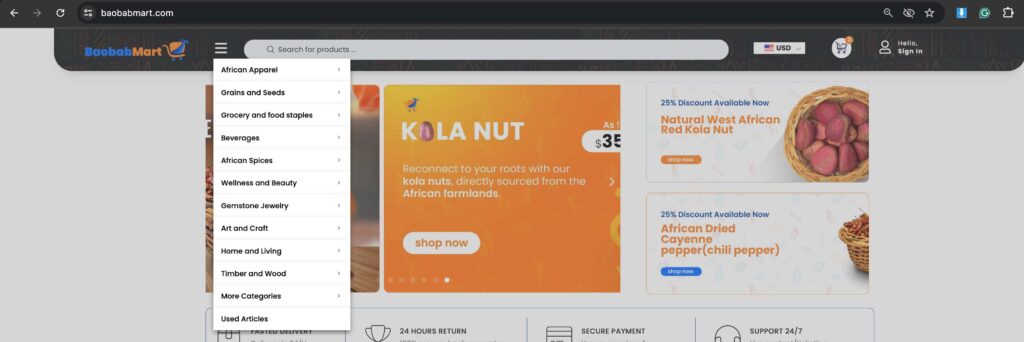
3. Browse Subcategories
- Some categories have subcategories. Browse through them to narrow down your options.
4. Explore Products
- View the list of products in the selected category and subcategory.
Using the Search Suggestions
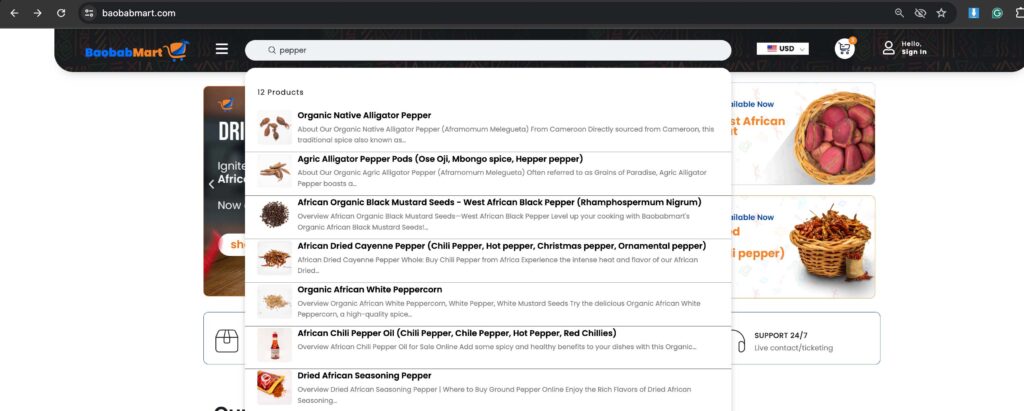
As you type in the search bar, Baobabmart offers search suggestions to help you find items quickly:
1. Type Keywords
- Start typing your search keywords in the search bar.

2. Select a Suggestion
- Choose from the dropdown list of suggested products or categories that appear below the search bar.
3. View Results
- Click on a suggestion to see the related products.
Troubleshooting Common Issues
If you’re having trouble finding items, consider these tips:
- Check Spelling: Ensure there are no typos in your keywords.
- Use Different Keywords: Try different or more general keywords.
- Clear Filters: Reset any filters to broaden your search.
Searching for items on Baobabmart is simple and intuitive. By using these tips and tools, you can quickly find exactly what you’re looking for. Enjoy exploring our wide range of authentic African products!
Happy shopping at Baobabmart!