

















Keeping your email address up-to-date on your Baobabmart account is essential for staying informed about your orders, promotions, and activities in your account. Here, we you with a step-by-step guide through the process of changing the email address of your Baobabmart account, ensuring you don’t miss any important updates.
Steps For Changing Your Email Address
Follow this step-by-step guide to update/change your email address at any moment on Baobabmart:
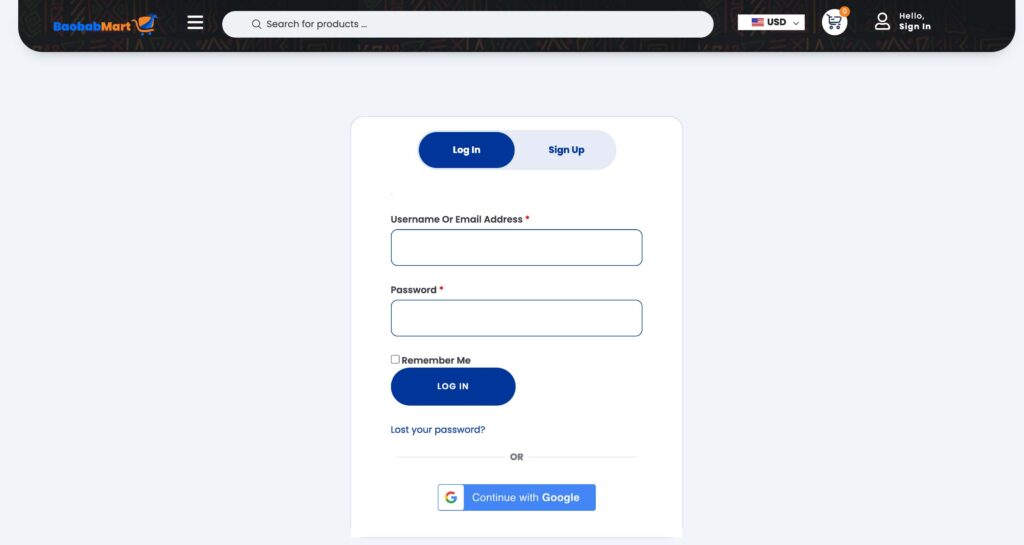
Log In to Your Account
- Visit the Baobabmart website and log in with your current credentials(email and password).
Select “Account Settings”
- Once logged in, go to the account settings by clicking on your profile icon or name.
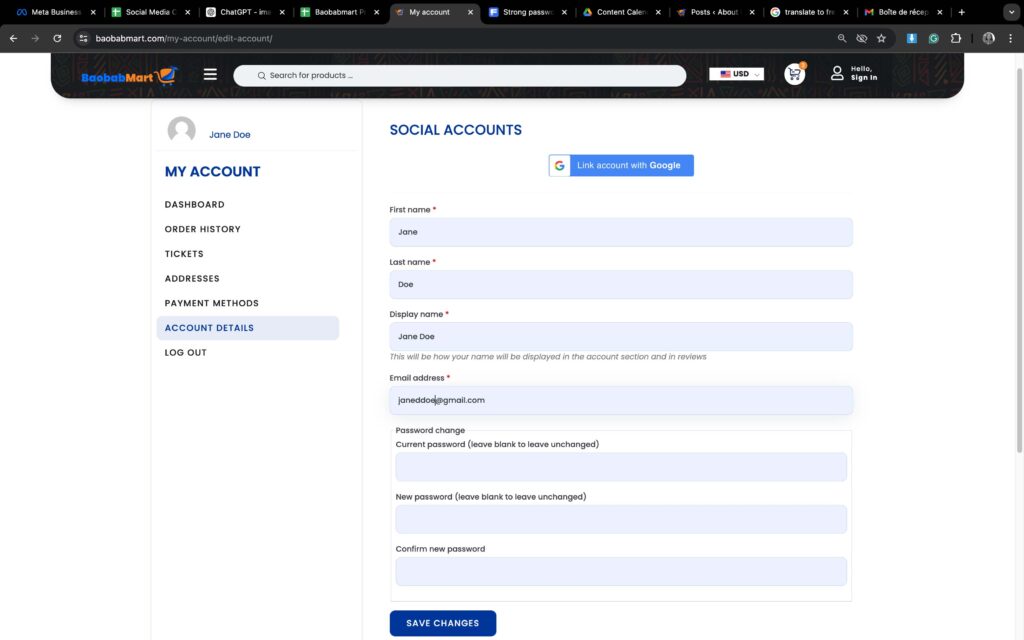
Select the Email Section
- In the account settings, find and select the “Email” section to see your current email address.

Enter Your New Email Address
- Type in your new email address and ensure it is correctly written.
Verify Your New Email Address
- Baobabmart will send a verification link via an email to your new address. Open your email and follow the verification link.
Confirm the Change
- Return to the Baobabmart website and confirm the email change.
Troubleshooting Tips
If you encounter any difficulties while changing your email address, here are some tips:
- Didn’t Receive the Verification Email? Check your spam or junk folder, ensure you entered the correct email address.
- Error Message? Make sure your new email address is not associated to another existing Baobabmart account.
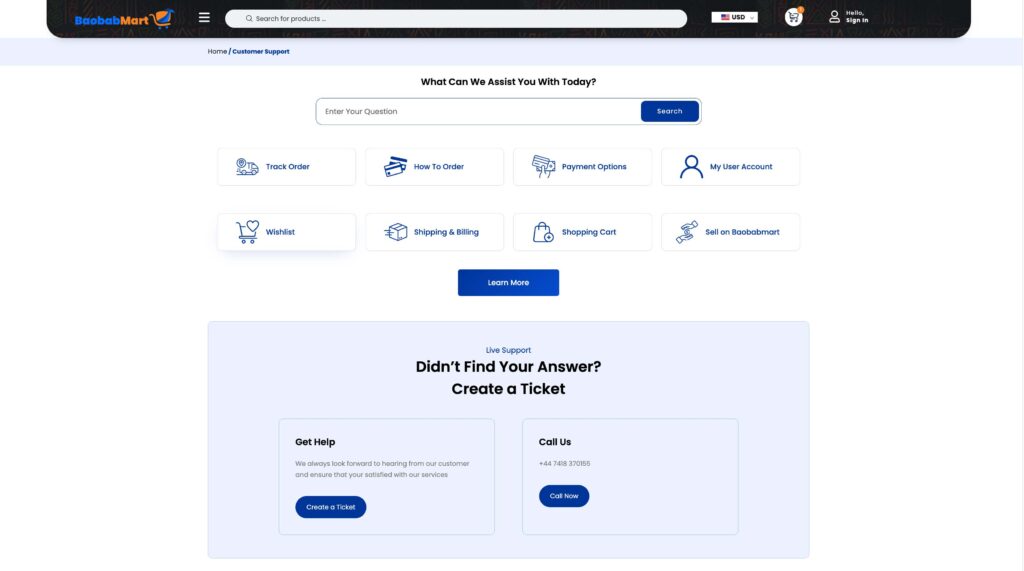
- Still Having Trouble? Contact Baobabmart customer support for assistance.
Why is it Important to Keep Your Email Updated ?
- Order Notifications: Stay updated on the status of your orders and shipping details.
- Account Security: Receive alerts about any unusual activities on your account.
- Exclusive Offers: Get the latest promotions, coupons and discounts directly into your inbox.
Frequently Asked Questions
- Can I use the same email address for multiple accounts?
- No, each email address is assigned to a single Baobabmart account.
- What if I forget my password after changing my email?
- You can reset your password using your new email address.
- How long does it take for the email change to take effect?
- The change is immediate once you verify your new email address.
Updating your email address on Baobabmart is quick and user friendly, ensuring you stay connected with us. Follow this guide to keep your account information current and continue enjoying our seamless shopping experience.
Happy shopping and stay connected with Baobabmart!